
How to Automate After-Sales Support with CRM- The Path to Zero-Friction Service
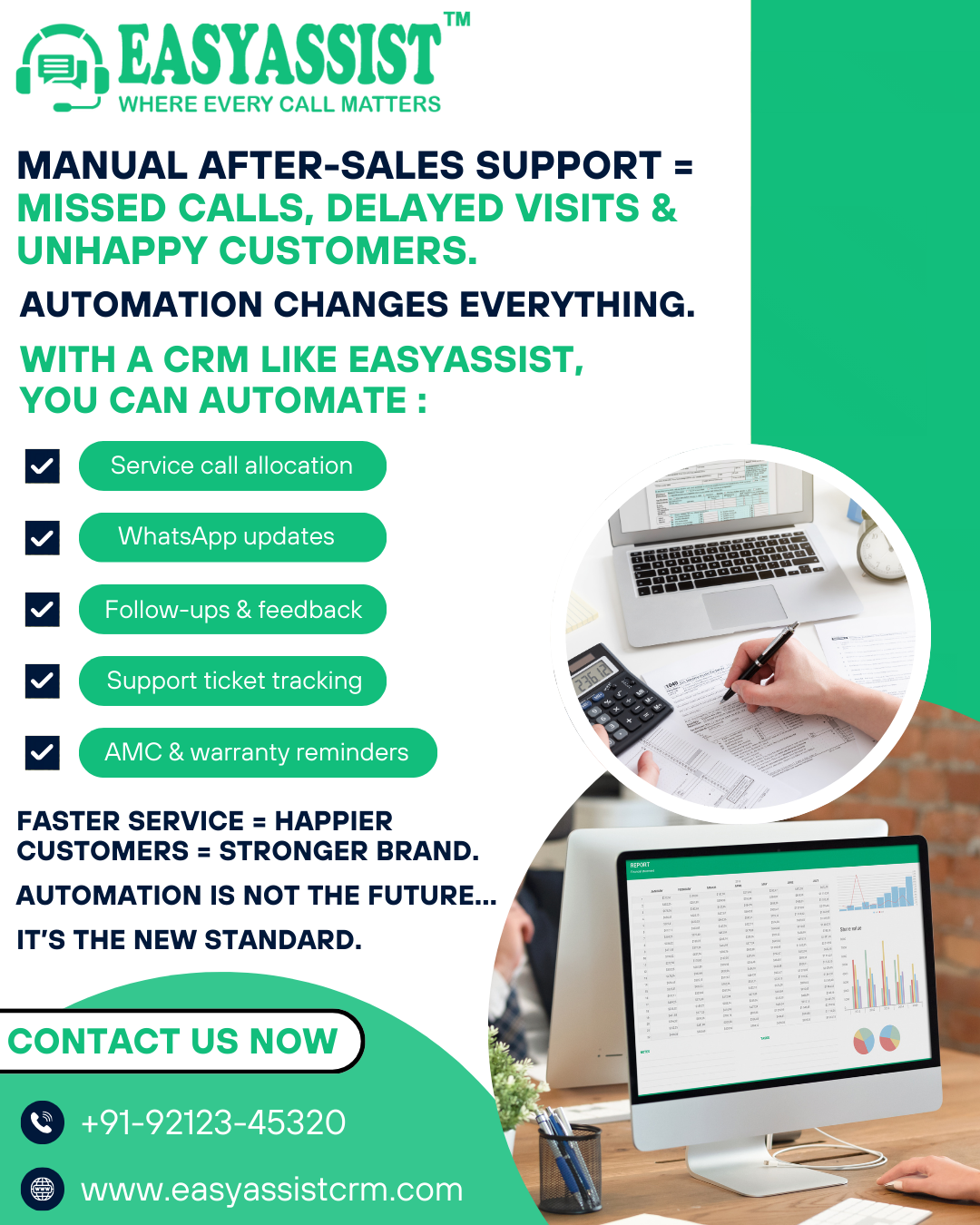
For service centers, manufacturers, and home appliance companies, the after-sales support process is a massive operational burden. It is filled with repetitive, manual tasks: logging customer calls, assigning technicians, tracking inventory, sending appointment reminders, and following up on contract renewals. This manual process is not just time-consuming- it is a breeding ground for error and customer frustration. It is the reason customer complaints get lost and Warranty/AMC Renewals & Activities get delayed. The future of service management lies in automation. Automated after-sales support, driven by a specialized CRM, is the key to achieving zero-friction service- a seamless experience that boosts efficiency, cuts costs, and transforms customer satisfaction into guaranteed loyalty. A complete business management solution like EasyAssist CRM is built to automate these critical functions, ensuring that, Where Every Call Matters, the process itself requires minimal human intervention. Automation must begin the moment the customer initiates contact. The goal is to capture the request, log it, and route it without an operator needing to manually transcribe or create a record. Integrated IVR Management: The CRM integrates IVR Management directly into the service workflow. This allows the system to receive inbound calls- guide the customer through preliminary troubleshooting or category selection- and then automatically generate a Service Call Registration ticket within the CRM based on the IVR input. This skips the manual data entry step entirely. WhatsApp Workflow Automation: Automation extends to modern messaging through WhatsApp Management. The CRM can be programmed to automate customer interactions and business processes via WhatsApp. For example, a customer texting a specific keyword can trigger the system to open a support ticket, request key information, and confirm the registration- all without operator intervention. Systematic Support Ticket Creation: Regardless of the channel, the CRM’s Support ticket management organizes and tracks customer issues for efficient resolution. This centralization prevents the manual logging errors that cause complaints to be lost. Once the service call is logged, the most resource-intensive part of the process is scheduling and dispatch. Automation here ensures that field staff are optimally utilized- eliminating the problem of being clueless about the Activities of your Technicians/Field Staff. Service Call Allocation: The CRM automates Service Call Allocation based on predefined rules- such as technician skill level, geographical area, or current workload. The moment a ticket is logged, the system can automatically assign it to the most appropriate technician. Automated Task Assignment and Notification: The Task Management module facilitates the ease of assignment and monitoring of tasks given to the employee. Once a call is allocated, the system automatically updates the technician's schedule in Technician Visit Management and sends an automated notification (via the CRM app or integrated WhatsApp) to the employee. Real-time Status Updates: As the technician executes the task and changes the ticket status on their mobile device (e.g., "En Route," "In Progress," "Completed"), the CRM automatically updates the customer record. This live-tracking capability is key to proactive customer service. Beyond the customer-facing elements, operational efficiency depends on automating critical back-office functions that impact service delivery and revenue. Inventory Level Alerts: The Inventory Management module manages the Stock of Products / Spare Parts. This can be automated to trigger low-stock alerts when a spare part used frequently in service drops below a certain threshold. This ensures the service center is never caught off guard and prevents delays caused by missing parts. Automated Contract Renewals: Automation is a powerful tool for revenue assurance. The CRM utilizes the Warranty/AMC Management data to automatically generate renewal alerts and customer communications. This eliminates the manual tracking errors that cause contract activities to be delayed, ensuring timely communication for AMC Registration. Payment and Invoice Generation: Upon completion of a service call, the CRM can be set up to automatically generate an invoice and process payment via the integrated Payment Gateway. The final step in successful service automation is closing the loop- capturing feedback and ensuring the customer leaves satisfied. Automated Feedback Request: Immediately after a service call is closed (via the Close Service Call function), the CRM can automatically send a survey link to the customer- often via the integrated WhatsApp or email. This request for Technician Visit Feedback is prompt and ensures high response rates. Triggered Service Reports: Automated Reports software generates and organizes data insights. This ensures that management receives daily or weekly reports on service completion rates, technician efficiency, and feedback scores- allowing for informed decision-making without having to manually compile spreadsheets. By automating these processes, the service center moves from a reactive, manual mode to a proactive, systematic one. This leads to an Effortless & Systematic Interface and a seamless customer experience, ensuring that a satisfied and happy customer ultimately brings more individuals and eventually more revenues for the organization.1. Automation at the Point of Contact: The Communication Gateway
How the CRM Automates Inflow:
2. Automation in the Field: Technician Assignment and Tracking
How the CRM Automates Dispatch:
3. Automation in the Back Office: Inventory and Contracts
How the CRM Automates Assets:
4. Automation for Follow-Up and Customer Advocacy
How the CRM Automates Follow-Up: